
Sweden: card or cash? How to pay in Stockholm
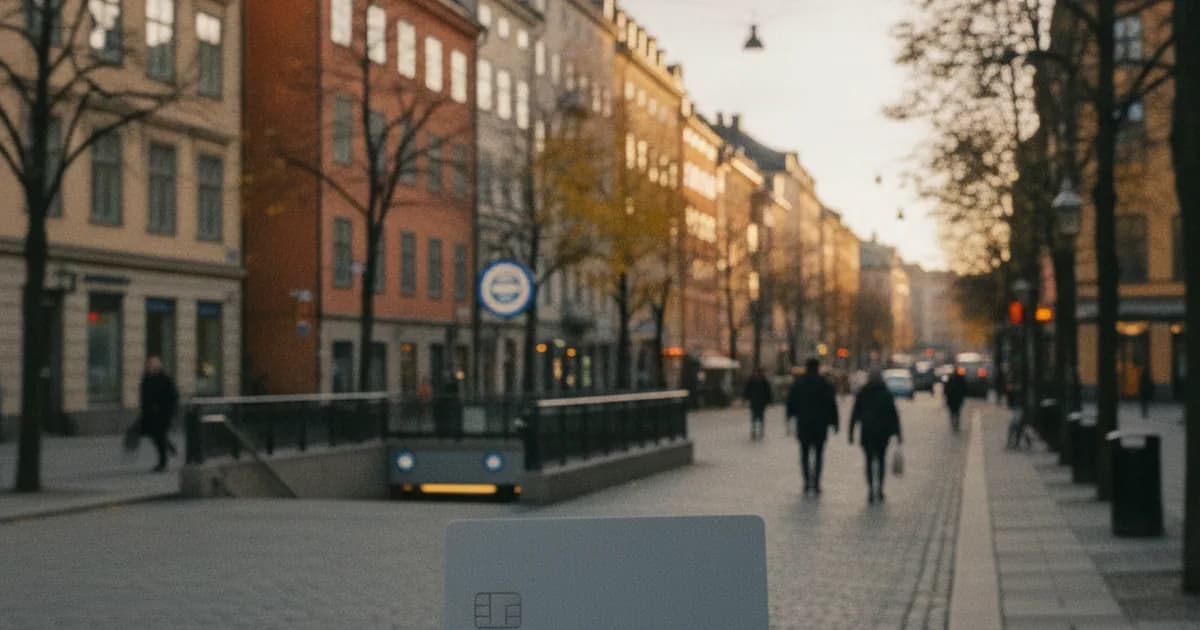
In Sweden, card is the main way to pay; cash is a backup, not plan A. In Stockholm, some places do not accept banknotes at all. But the country does not use the euro: the local currency is the Swedish krona, or SEK. And if the card machine offers to convert the bill into Brazilian reais, you still have an important choice to make.
The most practical approach for a trip is to bring an international card enabled for purchases in Sweden, carry a second payment method, and, if you want a cash contingency, keep only a small amount in kronor. On Stockholm's public transport, one contactless card per passenger can buy single tickets directly at SL readers. Before leaving Brazil, check your card issuer's rules and costs.
Information and fares checked on November 24, 2026. Acceptance, prices and card conditions can change; check again close to your trip.
Sweden: card or cash? The quick answer
| Situation | Best starting point | Watch out for |
|---|---|---|
| Shops, cafés and restaurants in Stockholm | International card | Some places do not accept cash; not every terminal accepts every card brand |
| SL metro, buses and trains | Contactless card or a ticket in the SL app | One card per passenger; use the same card or device when you transfer |
| Markets, day trips out of town or a payment glitch | A small reserve in SEK | Ask whether the place takes notes before relying on them |
| ATM withdrawals | Only when you have a concrete need | Check the ATM fee, your issuer's fee and the currency of the conversion |
The official Visit Sweden website says Visa and Mastercard are widely accepted, recommends a card with chip and PIN (magnetic-stripe cards are often not supported) and warns that some places may not accept American Express, so a backup card is wise. Visit Stockholm describes the capital as largely cash-free: many restaurants, shops and hotels do not take notes or coins. That does not mean your card will work at 100% of terminals.
What is Sweden's currency? Can I pay in euros?
The official currency is the Swedish krona (SEK). Sweden is a member of the European Union, but it has not adopted the euro. Visit Sweden advises paying in kronor and says euros and other foreign currencies are generally not accepted in cash transactions.
On a multi-country European trip, do not treat a euro balance as local money for Stockholm. When you see a price of 200 SEK, the reference for that purchase is 200 kronor, even if your card holds a balance in US dollars, euros or reais. Your issuer may convert automatically according to its own rules. Check the total before you approve.
If your trip continues into the eurozone, plan the two parts separately. Our guide on how many euros to take to Europe is for the countries that use the euro, not for turning euros into Swedish currency.
Is Stockholm a cashless city?
It is a city of low cash use, not a guarantee that every payment will be digital. The distinction matters: if a terminal declines your card, notes may help in some places; in others, a "cash-free" sign means notes simply will not be accepted.
Sweden's central bank, the Riksbank, found in 2025 that 92% of the small businesses surveyed accepted debit cards and 67% accepted cash. The survey covered 898 businesses with up to 49 employees in selected sectors: five retail sectors, plus restaurants and hairdressers. It does not measure acceptance at every tourist spot, nor is it a promise that your particular card will be accepted.
A small reserve in kronor can be useful for a terminal failure, a shop that still takes notes or a stretch outside the capital. But buying a large amount of SEK before you travel can leave you with money that is hard to spend in places that only take cards. Size the reserve by the specific mishap you want to cover, not by an automatic percentage of your budget.
What about Swish?
Swish is a mobile payment app that is very common among Swedish residents, but it is not a simple stand-in for Pix (Brazil's instant payment system) for a Brazilian tourist. Visit Sweden says the service requires a Swedish bank account and a Swedish personal identity number, which makes it inaccessible to most visitors. Do not walk up to a market stall expecting to pay by Pix or to install Swish on the spot. If the vendor only shows Swish, ask whether they take a card or another method before you buy.
How do I pay for the metro and buses in Stockholm by card?
On the SL public transport network, you can tap a contactless card on the reader to buy a single ticket. SL accepts cards on the Mastercard, Visa or American Express networks, including in digital wallets such as Apple Pay and Google Pay. The ticket is valid for 75 minutes from your first tap. SL lists a default adult fare of SEK 43, checked on November 24, 2026; check again on the date of your trip.
The detail that prevents double charges: always use the same payment method throughout a transfer. SL counts every physical or digital version of your card as a separate contactless card. Even if a physical card and its Apple Pay or Google Pay version draw on the same account, switching from one to the other can buy a second ticket. Also, do not use one card to pay for two people: SL says you may only buy a ticket for yourself with your contactless card, so each passenger needs their own.
If your card fails, buy a ticket in the SL app or at an authorised outlet. SL says you cannot use cash to buy a ticket on board its buses. If you will be riding a lot, compare the cost of single tickets with an SL travelcard (on November 24, 2026, SL listed adult fares of SEK 180 for 24 hours, SEK 360 for 72 hours and SEK 470 for 7 days), based on the number of trips you will really take. Our guide (in Portuguese) to paying for public transport abroad explains why one city's rules should not be copied to another.
At the card machine, should I choose SEK or reais?
Choose SEK, the local currency, as your starting point. If the machine offers reais, dollars or euros, it is usually offering dynamic currency conversion (DCC) before sending the purchase to your card. Visa explains that this conversion can include additional fees or a markup, that the merchant must not choose on your behalf, and that you should be given the choice to accept or decline it.
Paying in SEK does not make every purchase free: your issuer may still charge a spread, an international fee and whatever taxes apply to your product (in Brazil, for example, IOF, the federal tax on foreign-exchange operations, applies to many cards). The advantage is that you do not automatically accept an exchange rate built by the terminal without comparing it with your card's conditions.
At a restaurant, first check the bill amount in SEK. If the screen shows "pay in BRL?", choose to keep SEK and check the confirmation before entering your PIN or tapping your card. If the staff member has already selected the converted currency, ask them to redo the charge in kronor. The full reasoning is in our guide (in Portuguese) on paying in reais or in the local currency.
How much does it cost to use the Picnic card in Sweden?
The Picnic card is an international Visa debit card. For those who already have one, purchases in kronor fall under purchases in currencies other than the US dollar. The official Picnic fee table, checked on November 24, 2026, lists a 0% Picnic fee on the purchase and a Visa conversion fee of about 0.3%. The final amount depends on the network's exchange rate at the time of the transaction. Do not confuse this step with topping up the card: per the same table, topping up via Pix has a 0% Picnic fee but costs between 0.3% and 0.5% versus the onchain rate, shown before you confirm.
An example covering only the purchase step: if Visa's conversion produced the equivalent of US$ 100 before that approximate fee, 0.3% would be about US$ 0.30. This is not the total cost of loading a balance, nor a promise of a fixed exchange rate. Compare the rate and the final amount shown in the app with the conditions of the other cards you will bring. For the broader comparison, see which card to use in Europe.
New Picnic card orders have been temporarily paused since September 22, 2026. The official notice says those who already have a card can keep using the current version until December 20, 2026, at 23:59 UTC. After that, the card continues on the new version of the issuer's infrastructure through an upgrade, and you will need to add the new card to Apple Pay or Google Pay again. The new version starts with the virtual card; the physical card is still planned, but there is no confirmed date for it. If your trip falls around or after that date, check the instructions in the app before you fly. There is no confirmed date for new orders to reopen either; when they do, the first option will be the virtual card. If you do not have the card yet, plan your trip with a payment method that is already available, rather than counting on an approval before departure.
Do I need to withdraw Swedish kronor?
For a short city trip, withdrawing cash by default is not necessary. First check whether the hotels, attractions and tours on your itinerary take cards. If you want a cash reserve, withdraw a small amount and check the fees before confirming at the ATM. Visit Sweden says ATMs are known locally as "Bankomat" or "Uttagsautomat" and warns that fees may apply depending on your bank's terms.
For the Picnic card, the fee table includes a monthly ATM allowance for the physical card (up to 5 withdrawals or US$ 200 per month, whichever comes first) with a 0% Picnic fee; beyond it, Picnic charges 2% per withdrawal, and the local ATM operator may add its own fee in either case. ATM withdrawals require the physical card, and after the December 20 upgrade the new version starts with the virtual card only, so do not count on Picnic for cash on a trip after that date. See our guide (in Portuguese) to ATM withdrawals abroad and compare total cost and limits before withdrawing.
If the ATM offers to convert the withdrawal into reais or dollars, check the currency choice and the fees on screen. Do not confirm a conversion just because it shows a familiar number. Keep the receipt and compare it with the transaction when it posts.
Checklist before travelling to Stockholm
- Confirm that your card is enabled for international use, that you know the PIN and that you have enough balance or credit limit.
- Bring a second payment method that does not depend on the same device; a physical card and a phone can fail in different ways.
- Set your budget in SEK. Do not count on euro notes for Swedish expenses.
- Check whether the tour or shop takes cards, cash or only Swish.
- On SL transport, each person uses their own card; when transferring, stick to the same physical card or the same digital wallet.
- At card machines and ATMs, make sure the charge is in SEK and review any conversion offered.
- If you want cash, bring only a small reserve in current notes and check the cost of the withdrawal.
- Reconfirm fares and payment rules close to your travel date.
Stockholm rewards a simple plan: card as your main method, kronor as your reference currency and a real alternative for the unexpected. Carrying lots of notes does not solve a city where some places refuse cash, just as relying on a single phone is not the same as having two ways to pay. Prepare both, check the currency of every charge and spend the rest of the trip on your itinerary, not on the card machine.
Picnic is a technology platform that lets users independently interact with USDC, a U.S. dollar-pegged stablecoin issued by Circle, on public blockchains. USDC is not legal tender in Brazil.
Displayed exchange rates vary with market conditions. The final applicable amount is the one shown on the transaction confirmation screen. Cryptoassets involve risks, including volatility and loss of peg.
Picnic does not custody user assets and is neither a financial institution nor a virtual asset service provider. Sending and receiving U.S. dollar payments through a U.S. account is offered in partnership with Noah Savings Inc. Terms and conditions apply.
Information verified in November 2026.

Picnic team
Technology platform
The Picnic team creates content about international finance, cards and digital dollars.
Get your Picnic card
No annual fee, no IOF and no Picnic fee. Open your account in five minutes.
Open your account →